AKIRA The browser that thinks.
Experience an AI-native workspace where deep reasoning, autonomous browsing, and privacy live natively in Chromium.
Built for friction-free intelligence
Floating AI Sidepanel
Instant page summaries, table extractions, code explanations, and translations without switching tabs.
Dedicated Workspaces
Isolate projects into Workspaces — Startup, Coding, Research, University. Each preserves tabs, notes, memory, and chat history.
Global Command Palette
Hit Ctrl+K anywhere to search bookmarks, open workspaces, trigger actions, or run complex natural-language workflows.
Local AI & Privacy First
Run models 100% locally with Ollama or LM Studio. Sessions, passwords, and history stay encrypted on your machine.
Page Security & Scam Shield
Akira actively analyzes domains for credential harvesters, crypto miners, suspicious redirects, and dark price manipulation.
EverestQ Multi-Model Hub
Switch dynamically between EverestQ Cloud, Claude, OpenAI, Gemini, DeepSeek, and local weights with custom reasoning effort.
The AI operating layer inside Chromium
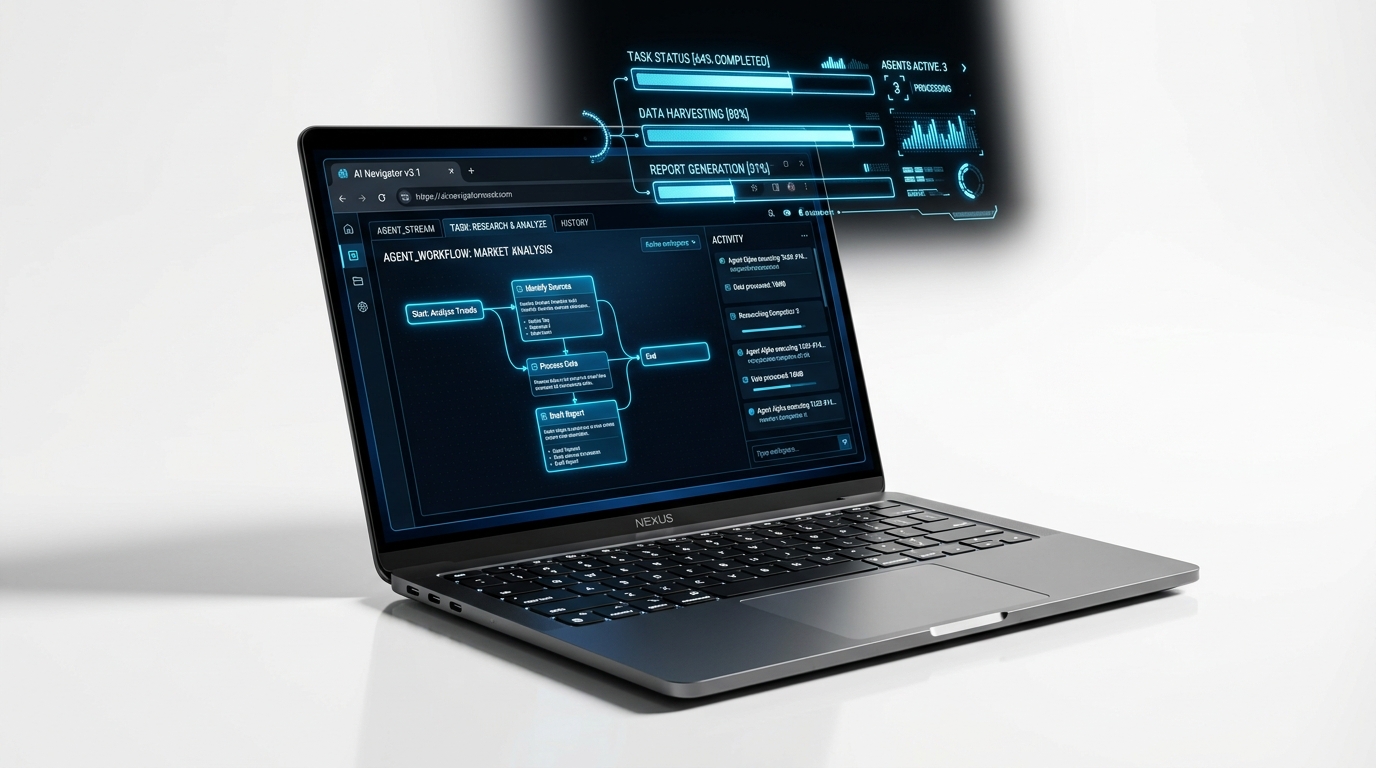
AI Agent in Your Browser
Describe any task in plain language. Akira navigates, clicks, types, and extracts — all inside your browser. No terminal. No setup.
Bring Your Own AI
Use EverestQ Cloud, Claude Opus, Gemini, or DeepSeek as the intelligence layer. Switch models mid-task with zero friction.
Connect Any App via MCP
40+ built-in MCP integrations. Connect any tool with one click. Your browser becomes the command center for everything.
Scheduled Tasks & Workflows
Schedule tasks to run automatically — every morning, every hour, on trigger. Build workflows with loops and conditions.
A true AI operating layer. Not a plugin.
| Feature | Akira (EverestQ) | Google Chrome | Brave | Arc / Dia |
|---|---|---|---|---|
| AI Operating Layer in Chromium | ✓ Built-in Layer | ✗ Extension Only | ✗ Side-panel AI | ✗ Proxy Layer |
| Local AI (Ollama / Local Weights) | ✓ 100% On-Device | ✗ No | ✗ Cloud Only | ✗ No |
| Autonomous Multi-Tab Workspaces | ✓ Yes | ✗ Tab Groups Only | ✗ No | ✓ Yes |
| MCP Server (Claude Code / Cursor) | ✓ Yes (Built-in) | ✗ No | ✗ No | ✗ No |
| Privacy-Verified Architecture | ✓ Yes | ✗ No | ✓ Partial | ✗ No |
Your browser. Organized by how you think.
Experience the future of browsing.
Download Akira for Windows, macOS, or Linux. Free. Privacy-first. Built by EverestQ.
Everything you need to know.
Chrome treats AI as an optional extension with zero browser-level integration. Akira builds deep reasoning, multi-tab memory, local weights (Ollama), and page intelligence natively into the Chromium browser layer.
Yes. Because Akira is built natively on top of Chromium, 100% of your Chrome extensions, bookmarks, passwords, and browsing history import effortlessly in one click.
When running in Local Mode via Ollama or LM Studio, all page parsing, summaries, and queries are computed entirely on your local machine. Zero prompts or browsing data ever touch cloud servers.
Akira is created and built by Rahul Chaube under the EverestQ AI ecosystem, designed to make web intelligence frictionless and autonomous.